
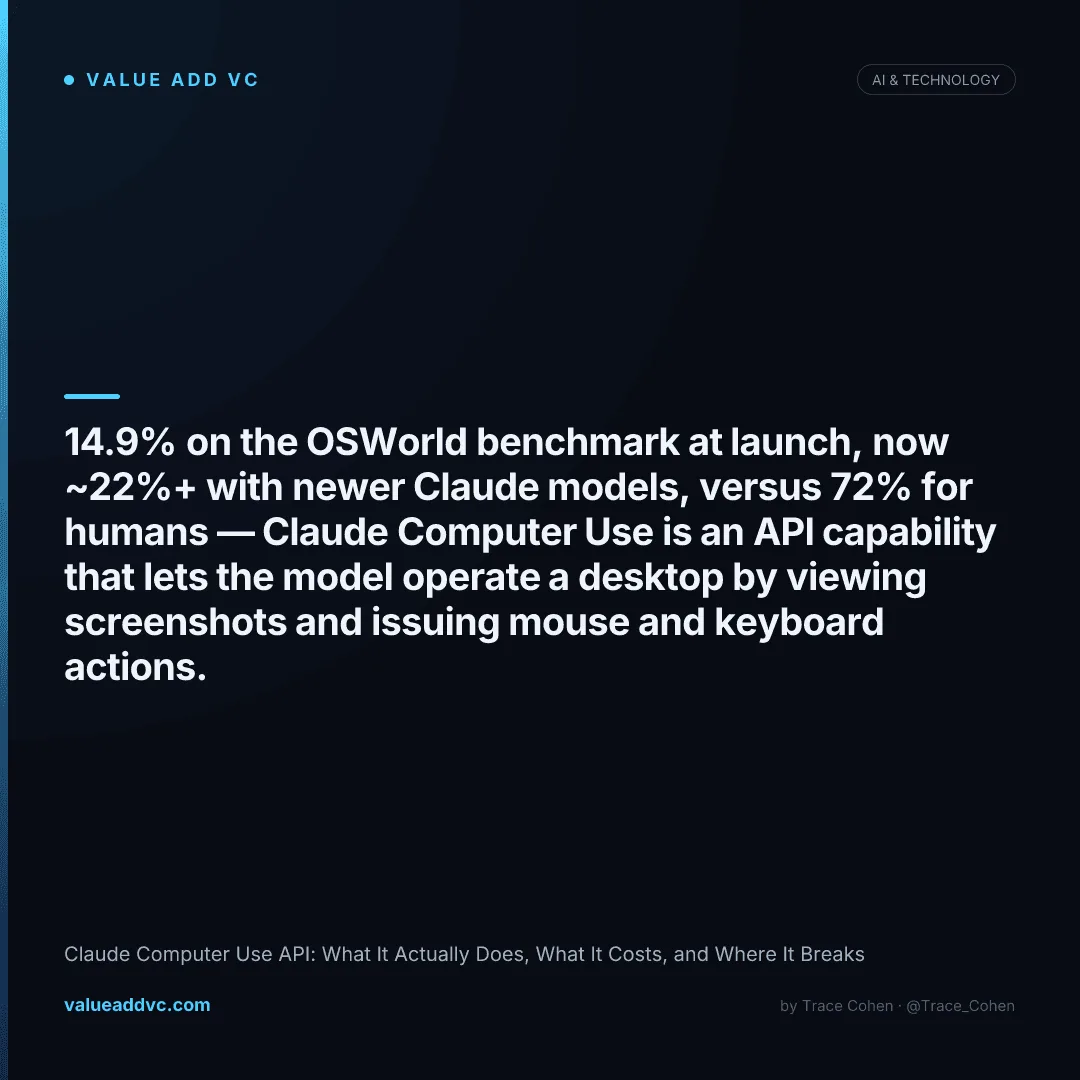
Claude Computer Use scored 14.9% on the OSWorld benchmark when it launched in October 2024, climbing to 22% with extra reasoning steps — and newer Claude models now push past that, against a human baseline of ~72%. The distance between those numbers is exactly where this feature gets interesting.
The feature is genuinely new in kind: instead of calling a structured tool, Claude looks at a screenshot of a desktop and decides where to click, what to type, and when to scroll — the same loop a human runs. That makes it the only way to automate software that never shipped an API. It also makes it slow, occasionally wrong, and easy to misuse. Both things are true at once, and the spread between them is the whole story.
What the Claude Computer Use API actually is
The Claude Computer Use API is a beta capability that lets the model control a computer by viewing screenshots and returning mouse, keyboard, and scroll actions, which your own code executes in a loop. Claude does not run software directly — it requests a screenshot, reasons about what it sees, returns a tool call such as a click at specific coordinates, and waits for the next screenshot. Anthropic first shipped it with Claude 3.5 Sonnet in October 2024.
Mechanically, Anthropic exposes three predefined tools through the API: a computer tool (screenshots, clicks, typing, cursor movement), a bash tool (shell commands), and a text editor tool (file viewing and editing). You provide the execution environment — typically a virtual machine or Docker container running a desktop — and Anthropic provides a reference implementation so you don't have to wire the loop from scratch. The model never touches your hardware; your harness does, on its instructions.
Claude Computer Use API accuracy: the benchmark numbers
Accuracy is the number everyone gets wrong, in both directions. Here's where it has actually landed across the standard agentic benchmarks. OSWorld measures full open-ended desktop tasks across real apps; WebVoyager-style tests measure browser-only tasks, where models do meaningfully better because the action space is narrower.
| Benchmark / Metric | Score | Context |
|---|---|---|
| OSWorld (3.5 Sonnet, Oct 2024) | 14.9% | Launch score, standard step budget |
| OSWorld (3.5 Sonnet, extended) | 22.0% | With additional reasoning steps allowed |
| OSWorld (newer Claude models) | ~22–28% | Steady gains across 2025 releases |
| OSWorld (human baseline) | ~72.4% | Reference ceiling for the same tasks |
| WebVoyager-style browser tasks | ~40%+ | Narrower action space, higher success |
| Prior best AI before launch | ~7.7% | Roughly half of Claude's launch score |
| Typical multi-step task success | highly variable | Depends on UI complexity and step count |
The honest read: at launch Claude nearly doubled the prior best AI score (~7.7% → 14.9%), which is a real jump. But 14.9% — even ~25% on a good day — means most multi-step desktop tasks still fail without retries or human correction. The gap to the ~72% human baseline is the part the demos don't show you. Browser-only work is where it's genuinely usable today.
What Claude Computer Use costs to run
There is no separate fee for the computer-use tool — you pay normal Claude API token rates. The real cost driver is screenshots. Every screenshot is an image input, an agent task sends dozens of them, and image tokens add up fast. A single multi-step task can consume 50,000 to 200,000+ tokens once you count every screenshot, every reasoning turn, and the accumulating context.
No tool surcharge
Computer Use is billed at standard model input/output token rates
Screenshots dominate
Each screen is an image input; a task may send 20–80 of them
Context grows per step
Prior screenshots and actions stay in context, inflating cost
Model tier matters
A Sonnet-class loop costs far less than an Opus-class one per task
Prompt caching helps
Caching system prompts and tool defs cuts repeat input cost
Per-task range
Roughly a few cents to $1+ depending on length and model
The practical implication: Computer Use is fine for low-volume, high-value tasks (a daily report pulled from a legacy app) and brutal for high-volume ones. At 100,000 tokens and several cents per run, a workflow you fire 10,000 times a day becomes a real line item. Compare that to an API call that costs a fraction of a cent and never sends a screenshot.
When to use Computer Use vs. a real integration
This is the decision that actually matters, and most teams get it backwards — they reach for Computer Use because it's flashy, when a boring API call would be 100x cheaper and more reliable. The rule is simple: Computer Use is a last resort for software that can't be automated any other way.
Good fit for Computer Use
- ✓ Legacy desktop software with no API
- ✓ Internal tools nobody will build endpoints for
- ✓ Workflows spanning multiple unconnected apps
- ✓ Low-volume, high-value, supervised tasks
- ✓ QA and UI testing across real screens
Use an API or MCP instead
- ✕ Any service with a documented REST API
- ✕ Apps that expose an official SDK
- ✕ Tools already reachable via an MCP server
- ✕ High-volume, latency-sensitive automation
- ✕ Anything touching money or credentials unsupervised
If you're an investor underwriting an "AI agent that controls your computer" startup, this is the diligence question: is Computer Use the product, or a temporary bridge until the underlying software ships an API? The defensible companies are building workflow ownership and proprietary context on top — the same pattern that separates durable AI from thin wrappers. Screen-scraping with a vision model is not a moat.
The safety and reliability problems nobody demos
Anthropic is unusually direct about the risks, and you should take the warnings literally. The model can take unintended actions, it's slow, and it's vulnerable to prompt injection — if a webpage or document on screen contains instructions, the model may follow them. These aren't edge cases; they're the default failure modes of an agent that reads pixels and acts.
The single most important rule: run it in a sandboxed environment with limited permissions, never on your primary machine. Anthropic says this explicitly, and the prompt-injection surface is the reason. An agent that can click anything and reads everything on screen is a powerful tool and a liability in equal measure.
Computer Use is the bridge, not the destination.
It exists to automate the software that was never built to be automated — and the moment a real API ships, you should stop using it.
Track AI model capabilities and valuations on the AI Valuations Dashboard at Value Add VC. Originally published in the Trace Cohen newsletter.
Latest from the Pulse
Get VC data most people never see
— free to subscribe
Trace's notes on venture, AI and startups, a few times a week. Join 5,000+ subscribers. No spam.
No spam, unsubscribe anytime. Sent via Substack · Privacy · or subscribe on Substack ↗